

🦜 MIT class on “presentations”, how to do it right
It’s great we in these days can watch lectures from famous universities for (almost) free. This is such one of them. A talk on “how to speak”. Worth watching, it takes about an hour.
"Your success in life will be determined largely by your ability to speak, your ability to write, and the quality of your ideas. In that order."
Many things in the talk make sense and most of them you probably know but the teacher also explains why and how to use these techniques. If you only take 2 things out of this talk you are already winning arguments.
A few takeouts but do watch I think for everyone there is something in it.
Do not start a talk with a joke. (that one I have to remember I often try to start with a joke😅)
Promise: Tell them what they gonna learn at the end of your talk.
Make a “Fence” around your idea so that it can be distinguished from someone else’s idea.
Don’t put too many words on a slide. Slides should just reflect what you’re saying, not the other way around. Pictures attracts attention and people start to wait for your explanation. Make slides as easy as you can – no title, no distracting pictures, frames, points and so on. (He also suggests to remove all clutter like logo’s etc, do tell your brand police😅.)
The blackboard is the ideal tool for teaching and informing because the speed of writing matches the pace at which an audience can naturally absorb information.
PowerPoint is intended for exposing ideas rather than teaching them, making it most effective for professional settings like job talks or conference presentations
🇳🇱 AgentForce world tour Utrecht, Netherlands
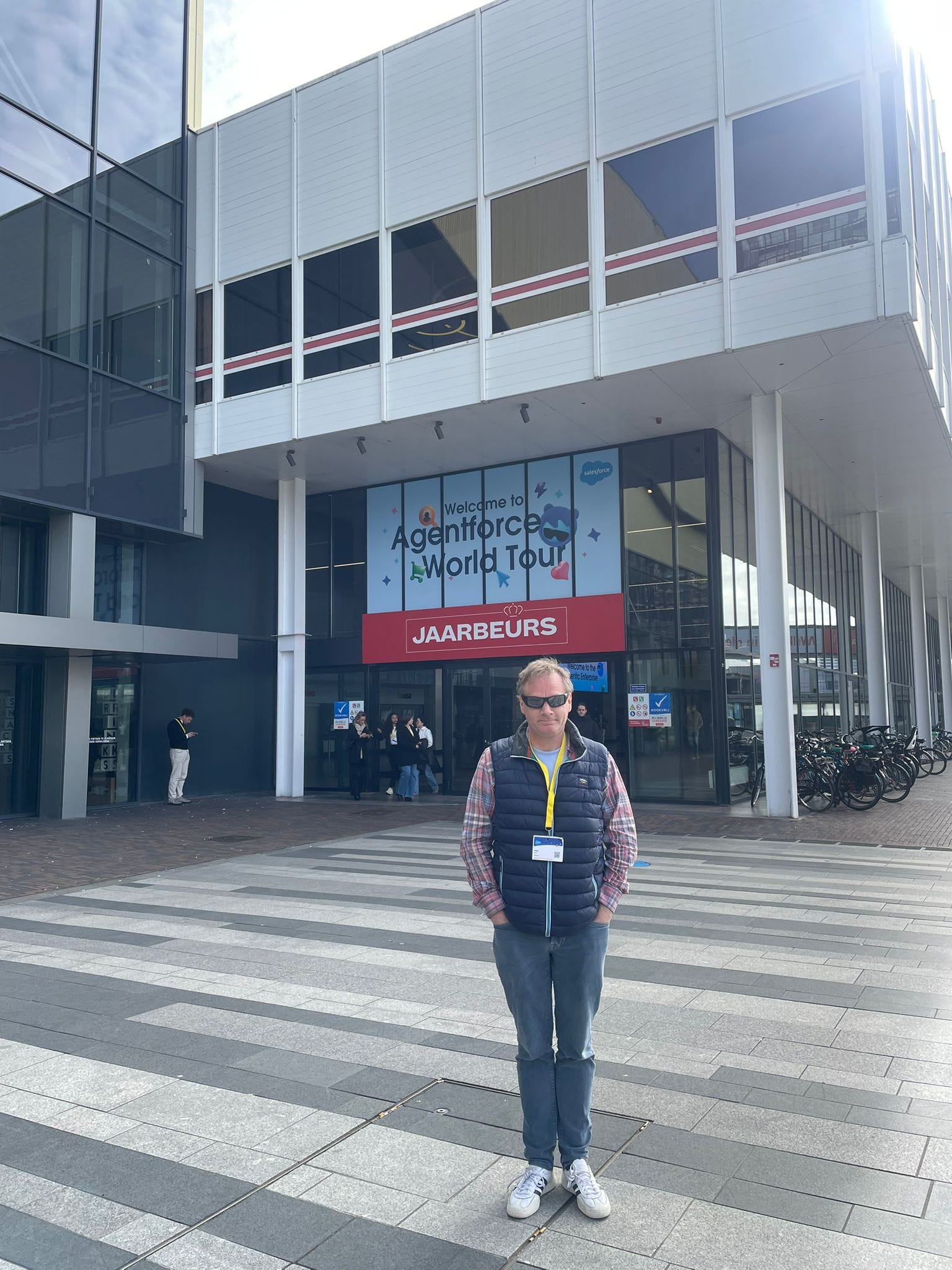
I went to AgentForce, the annual salesforce conference in Utrecht, NL. I always go to their event because it’s always inspiring, you always see where the future is heading. This edition I didn’t saw too many new things and I also didn’t take too many pictures, but what stood out or at least what I took note of:
Actively solving problems before users know there is a problem. They demo-ed a case where an account number was not correct of a customer, the AI agent recognized it and made sure it contacted pro actively the customer (instead of the other way around). But not only that, it also created a personalised landingpage for the customer and a chatbot to solve the problem in the easiest way possible. (so no need to fill in difficult forms).
They showcased a few times, that sales reps can now just speak (voice) their visit experiences somewhere (f.e. after a repair) and SalesForce will not only extract the voice to text, but also pre-fill the complete form! It was cool to see. So if a sales rep would voice record “the problem is a 30inch valve”, SF can automatically fill that in to the right field(s) in a form and even convert it to “cm”.
Another cool thing I saw was, a CSAT measurement but not in the tradtional way. By analyzing audio. They analyzed conversations that customers had with agents (both physically and AI agents) and from that they could extract a CSAT score.
What every talk came back, was that to make AI work you really need to have your fundamentals right including processes. SalesForce is actively offering solutions to merge data, to make sense of large data lakes and pools across different systems.
I do think their AI agent who helped them plan this event in Utrecht, it might have hallucinated when it planned the toilets 😅. There was only “one” toilet bloq for the whole audience, long lines the whole day!
A few additional pictures :


🖱️ Good clicks, bad clicks


Zippy a.k.a. Cyrus, one of my favorite SEO influencers, created -again- nice infographics. I share them here, you can use them in your job. I already did and shared them among our content team.
* Is this result relevant?
* Is the content useful to answer the question?
* Does this completely satisfy the user search?
All details in the post:

🏫 Claude Tutorial, free, can fully recommend
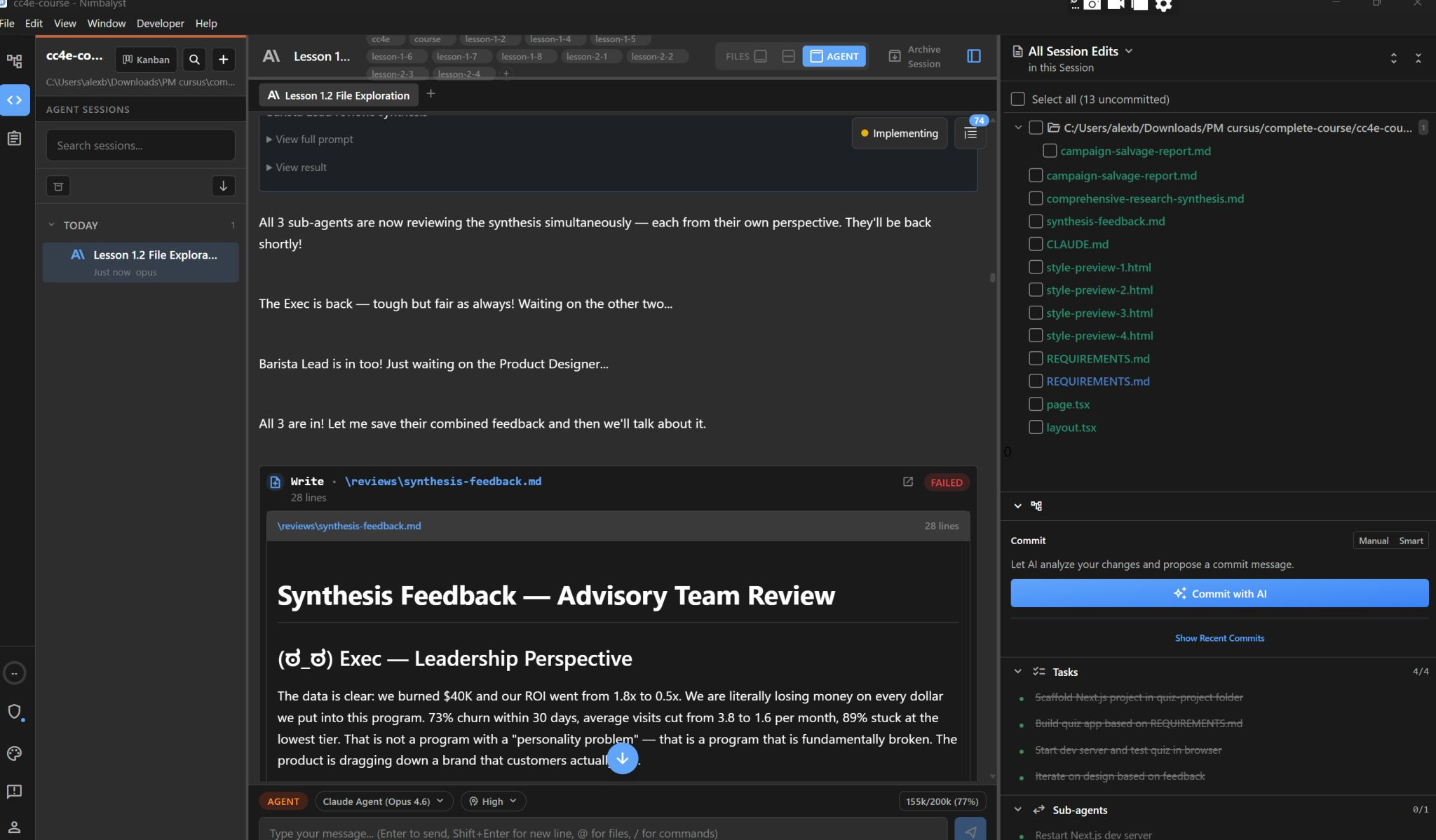
I am now actively using “Claude”. Not for chatting, ChatGPT style, but for actually doing work with Claude CoWork and Claude Code. I can seriously recommend this to everyone. It speeds up, gives much better insights and lets you be much more productive. Besides that, it is also really fun.
So I did this course, there is no certificate, but it’s very nice to do. Some parts I already knew but others not. I can fully recommend it:
A few takouts:
Sub-agents as your advisory board. You create persistent AI personas (a CEO, a product designer, a frontline employee) that review your work from different angles. Imagine stress-testing a proposal with a skeptical exec before sending it to the real one. (yeah this is so useful I think for so many people in daily life and work. For example, imagine before you finalize your presentation, you ask Claude to review it from different angles, simoutaniously!).
Working with files at scale: I had a folder of 10 old marketing campaigns, customer feedback across 4 months, competitor research, and a messy CSV. Claude analyzed all of it in parallel using "agents" (multiple AI instances working simultaneously). What would take hours of reading took seconds now. (yeah you can even use it to clean up your dropbox, although that costs a lot of tokens)
Building better PRDs: Claude interviews you with structured questions to define clear requirements before building anything. AI as your thought partner to think through EVERYTHING before you start. The result is a spec so clear that the AI (or a developer) can build exactly what you want. (This is very very very nice, for us product managers, digital marketers. It goes also beyond PRD’s but it also helps you create nearly perfect briefings for agency’s)
Bottom line CLAUDE MD files are as persistent memory. Unlike ChatGPT where every conversation starts from zero, Claude Code remembers your project context across sessions. Really nice to learn how to work with .md files.
Great to learn to work with Claude. One downside but I am sure this is only temporary, is the token bottleneck, even if you pay.
Here an X link to some free skills but to be honest its als great to write your own skills, I write them and let them refine by Grok then use them in Claude.

🇩🇪 DM Germany great app nice stores


German people go on sunday to the Netherlands to do shopping, as in Germany nearly all stores are closed on sundays (which I still find very annoying as a regular visitor to Germany).
Dutch people on the other hand, go to Germany to the DM stores to buy cheaper drugstore products. (not on Sundays).
I visited a DM in Berlin and I have to say, they have a real good APP as well. I was impressed.
So Dutch people who shop at a DM in Germany: use the DM app to be ready for your visit. It will assist you very well including gifts!
The app has a great product scanner. It’s fast and it gives all details you need on a product. There is a difference in product scanners in apps. Some work well, others not. This one does the job extremely well.
You can also buy via the app and then get it delivered to a “box” inside a store, just pick up and go, often that is already ready within an hour or so. Super convenient.
Everywhere they encourage you to use the app regularly. For example by showing : Jede woche ein geschenk → Every week a gift. I tried it, it works well. I also got gifts.
In some stores they have a “bell” you can ring if there is a line at the cashier. Probably a bit obsoleet now with self scanning. And I prefer the “jumbo” approach as it was in NL (before). More then 4 in a line, you get groceries for free. You didn’t have to ring a bell to get a cashier, they just made sure there were always available.
The app gets the job done fast, looks nice. There's more to it than just products editorial content, offers, inspiration. It rewards browsing and usage.
🙏 Thank you Cheng Lou , you made the web better!
I remember building webpages and spending way too long fighting CSS just to get text and images to align properly. I hated it as it blocked me from creating pages as I wanted them to be.
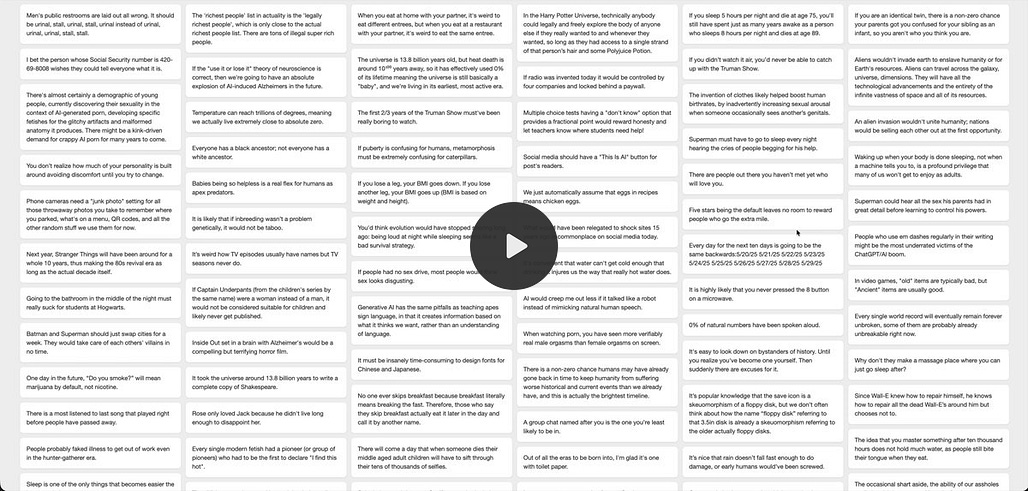
Cheng Lou one of the developers behind React, Messenger, and Midjourney just released a tool called Pretext that tackles one of the most overlooked bottlenecks in web development: accurately measuring how text wraps, breaks, and fits on screen, without relying on slow browser tricks or CSS at all.
The implication is bigger than it sounds. Right now, truly dynamic text layouts on the web are still surprisingly hard. Pretext fixes that. It opens the door to more fluid, generative interfaces and crucially, it gives AI a precise way to design and arrange layouts before they ever appear on your screen, rather than guessing. So Imagine asking an AI to generate a product page for your webshop. Today it guesses whether the product name fits on one line. With Pretext, it knows and adjusts the layout accordingly before you ever see it. No broken designs, no manual tweaking after the fact. So a bit technical all but I think very nice.
Details:

Thank you for reading,
Alex
I am Alex Baar, I publish this weekly newsletter with links I find interesting on the topics: AI, cross-border e-commerce, marketing, retail, and a little bit of Fintech. Subscribe if you like!